Skip to content

Module 10

Who changed what is always on the record.

Permissions attach to roles rather than people, and roles are defined at screen and action level. Every change is written to the audit trail with its user and timestamp.

Screenshot from the application
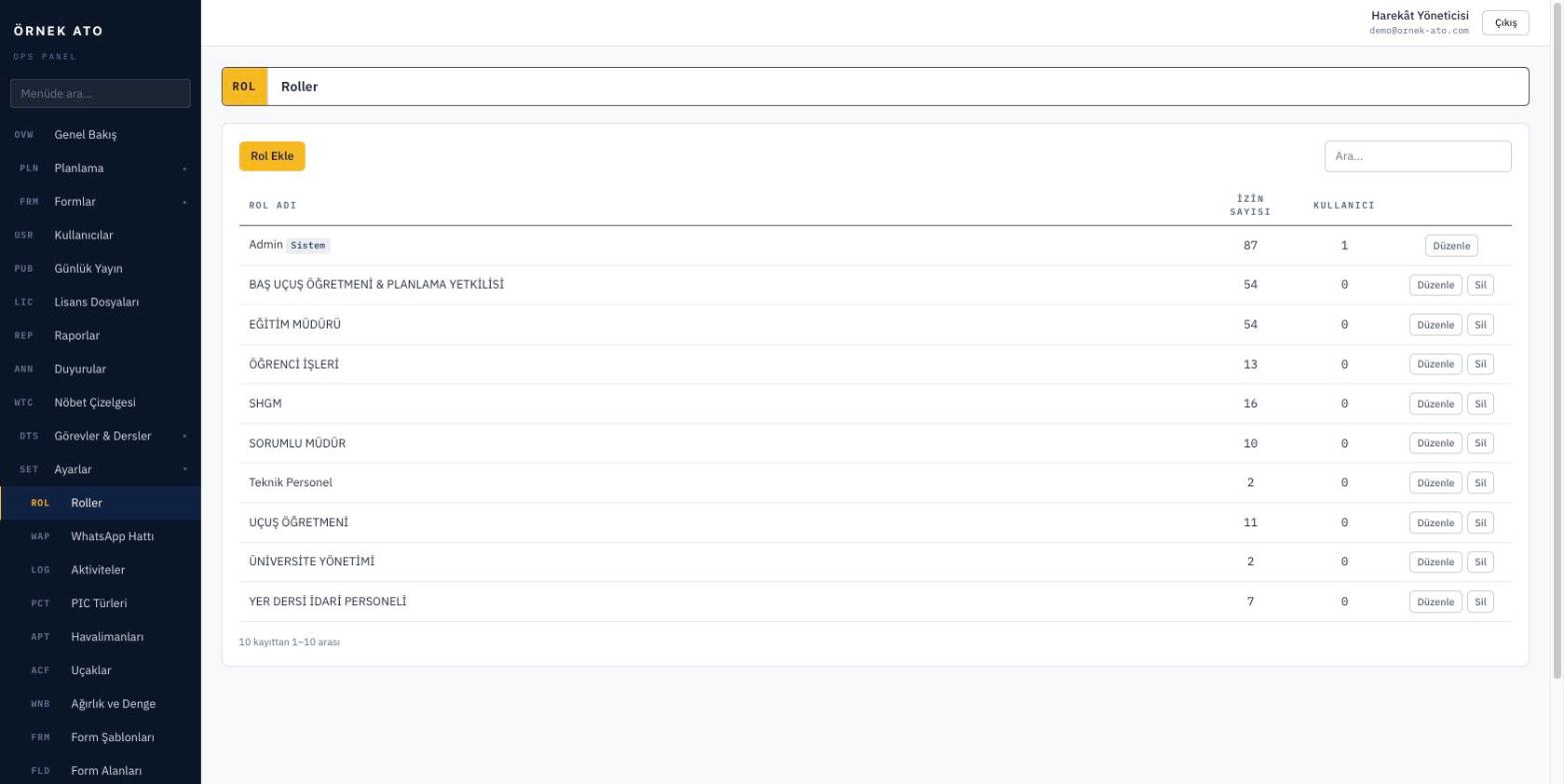
The permission matrix: permissions attach to roles at screen and action level, and the menu follows the same definition.

Roles and permissions

Roles such as head of training, chief flight instructor, instructor, operations and student are defined, and each role is marked with the screens it can open and the actions it can take. New staff join a role rather than being granted permissions one by one.

  • Permission matrix at screen and action level
  • The menu adapts to permissions too
  • Multiple role assignment

The audit trail

Plans, forms, licences, student records — every addition, change and deletion is kept with the answers to who, when, which field, and from which value to which.

  • Old and new values side by side
  • Filter by user, date and record type
  • Jump to a record’s history from its card

Menu and screen management

You reorder, hide or rename menu items. Modules you do not use are removed from the interface, so the team only sees what is useful to them.

  • Menu ordering and hiding
  • Switch off unused modules
  • Different menus per role

FAQ

Most asked

FAQ

How long is the audit trail kept?

Indefinitely by default. If you prefer, a retention period can be set to archive records older than a given age.

Can a deleted record be recovered?

Critical records are deactivated rather than permanently deleted. The audit trail shows which user deleted them and when, and they can be restored.

See it with your own data

We set up a demo account with your aircraft list and your syllabus. Build your own daily plan in it, then decide.

No setup fee, no commitment. We usually get back to you the same week.